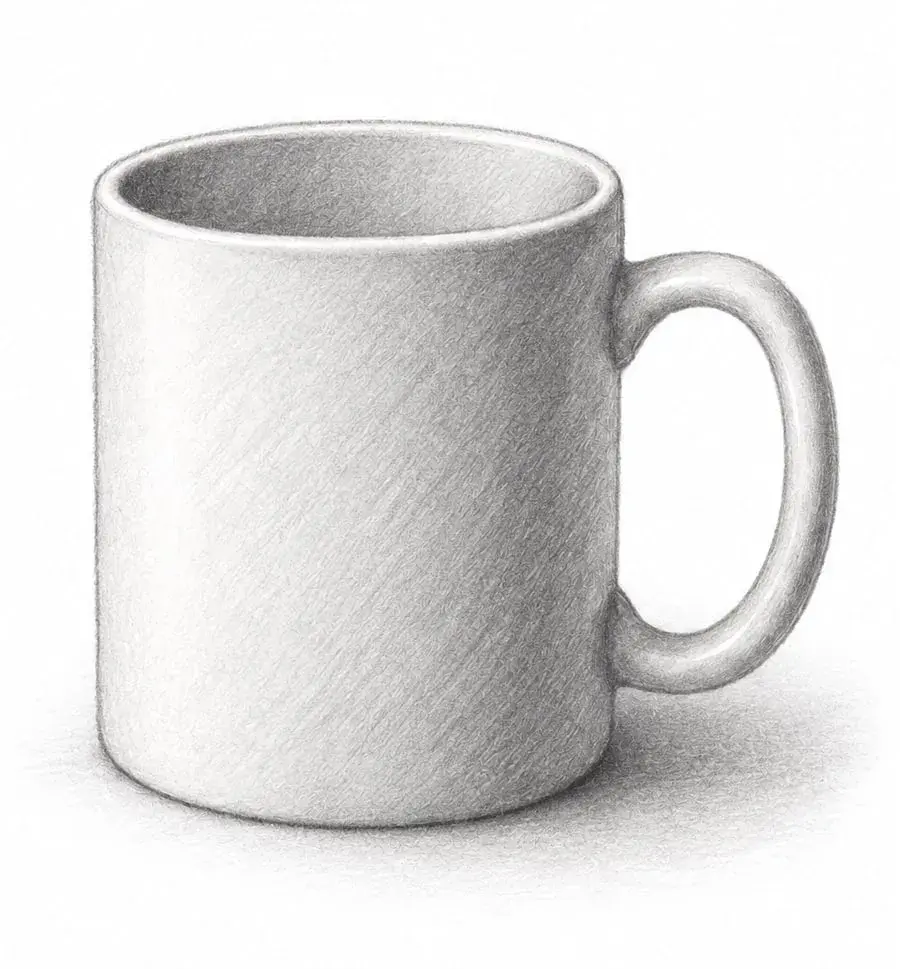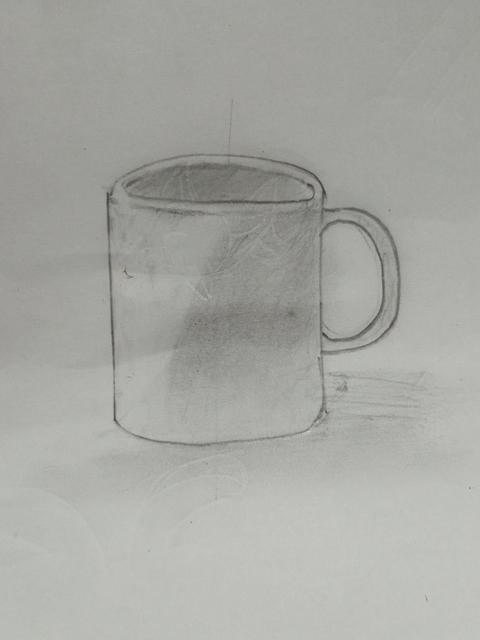
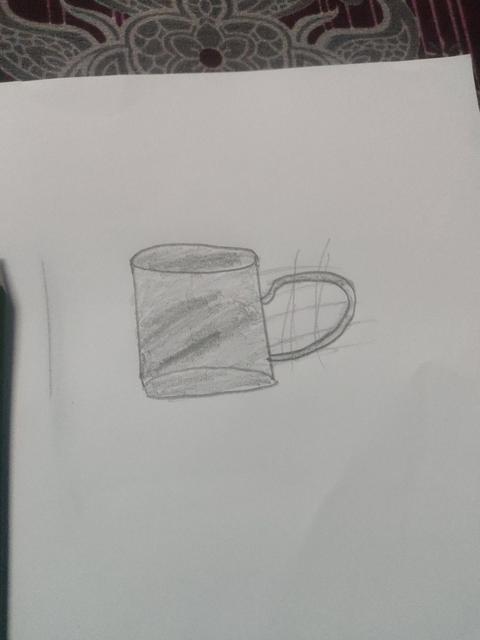
Quick pencil mug
- Drawings: 2
- Votes: 2
- Days left: 11
 Get the app
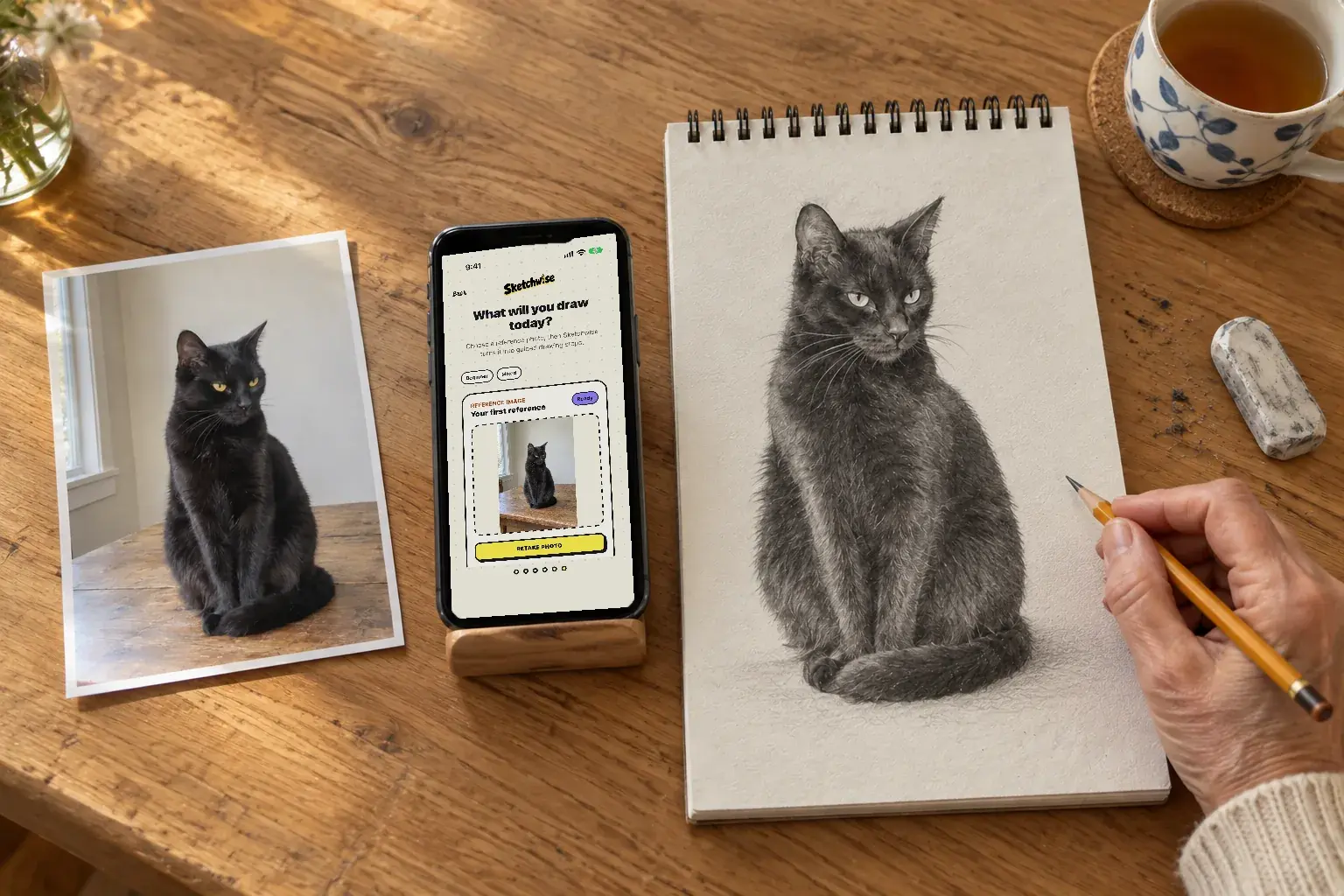
Snap a photo of your cat, your dog or anything you love. Sketchwise turns it into short stages you draw with a pencil on real paper, then checks your drawing and tells you the one thing to fix next. A method, not talent.



Every lesson opens with simple shapes, the skeleton of your drawing.
Lines tighten step by step, each with its own guide image to draw along.
Finish the details, then photograph the page for a scored report. This lesson earned 92/100.
Pin a finished drawing to the Community wall, or start a challenge and see who draws it best. Friends can vote on the web, no app needed.
Sketchwise is built for real paper. Prop your phone beside the page, follow the guide for the stage you are on, and draw with whatever pencil or pen you have.
Every stage has its own guide image, so you always know the next mark to make.
The skill is built on paper, and it stays with you when the phone is away.
Photograph the page to get feedback while mistakes are still easy to fix.
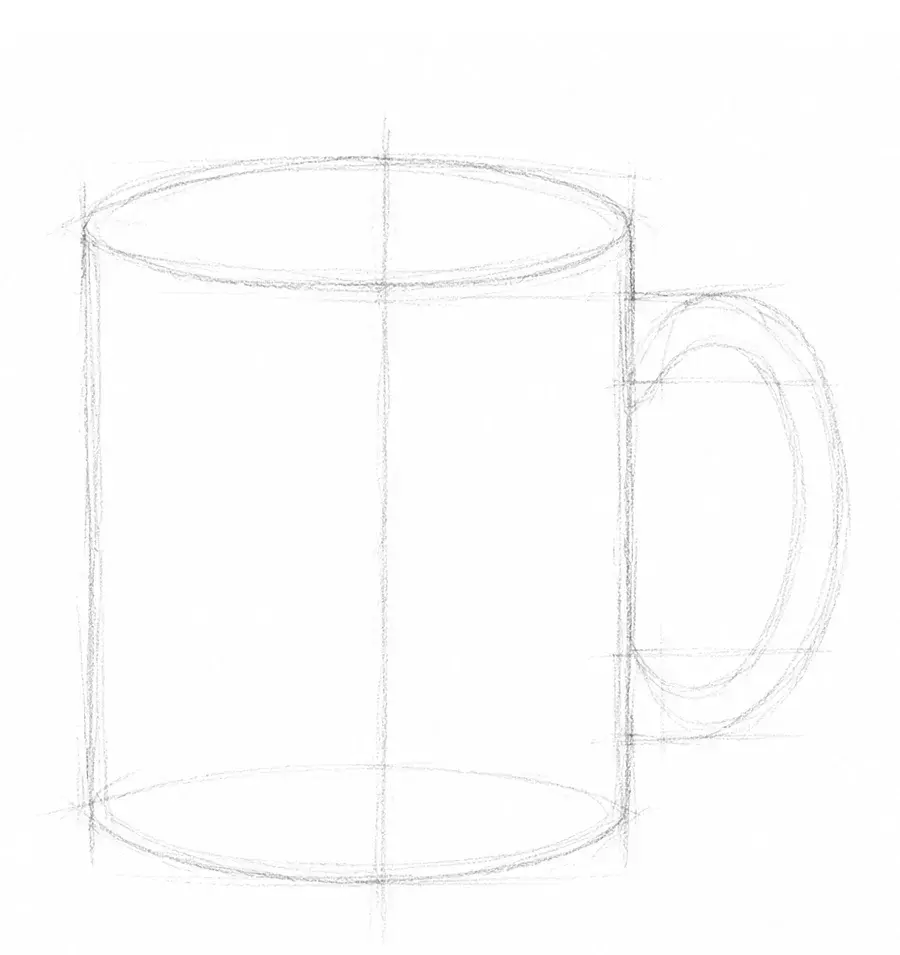
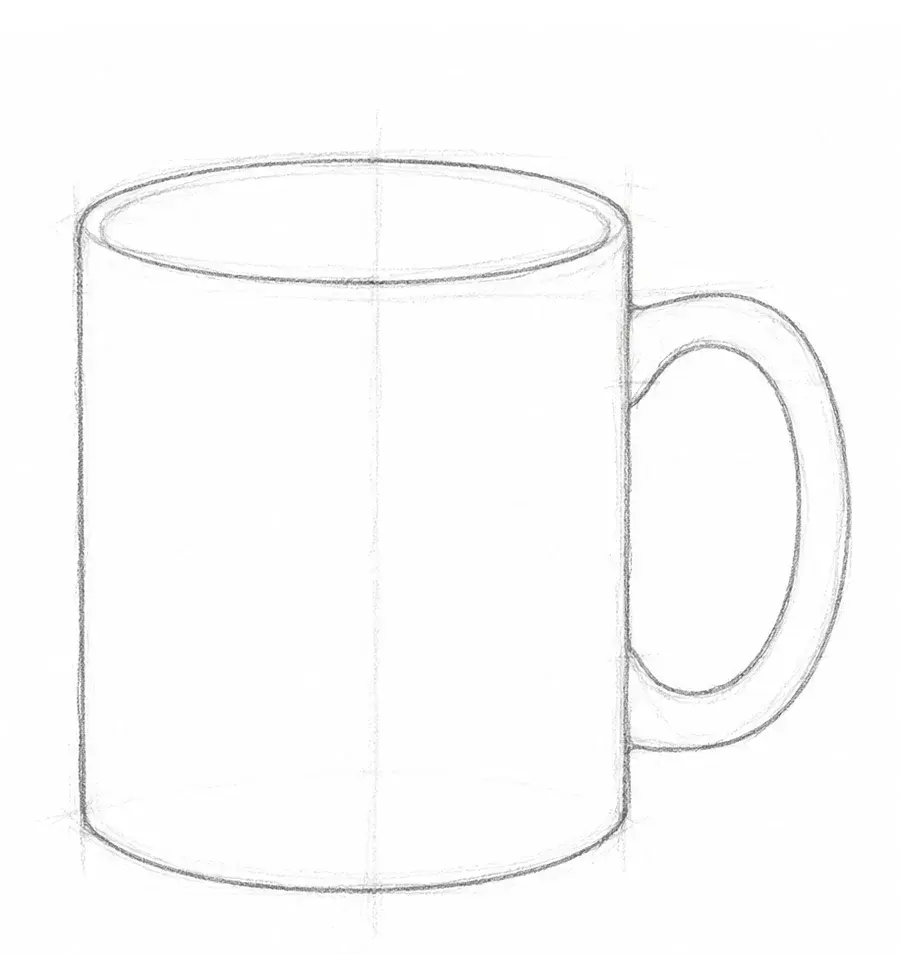
Every lesson is built from your own reference image and tuned to your style and skill level.
Step 1
Photograph anything or pick an image from your library. Choose a drawing style and your skill level, and Sketchwise tunes the lesson to where you are today.
Step 2
The lesson breaks your reference into construction stages, each with its own guide image. Draw along on paper at your own pace.
Step 3
Photograph your page at optional checkpoints for feedback while mistakes are still easy to fix. Finish with a scored report on proportions, shading and accuracy, plus XP toward your next level.
Lesson generation, feedback and progress tracking, all built around drawing on paper.
No fixed course library. Your cat, your coffee cup, a portrait: a photo you pick becomes a staged lesson in the style and level you choose.
Photograph your page at optional checkpoints and get specific feedback while mistakes are still easy to fix.
Proportions, shading and accuracy, plus what worked, what to focus on next and a drill to practice it. Share the result card.
Lay the guide over your live camera view and line it up with the paper in front of you.
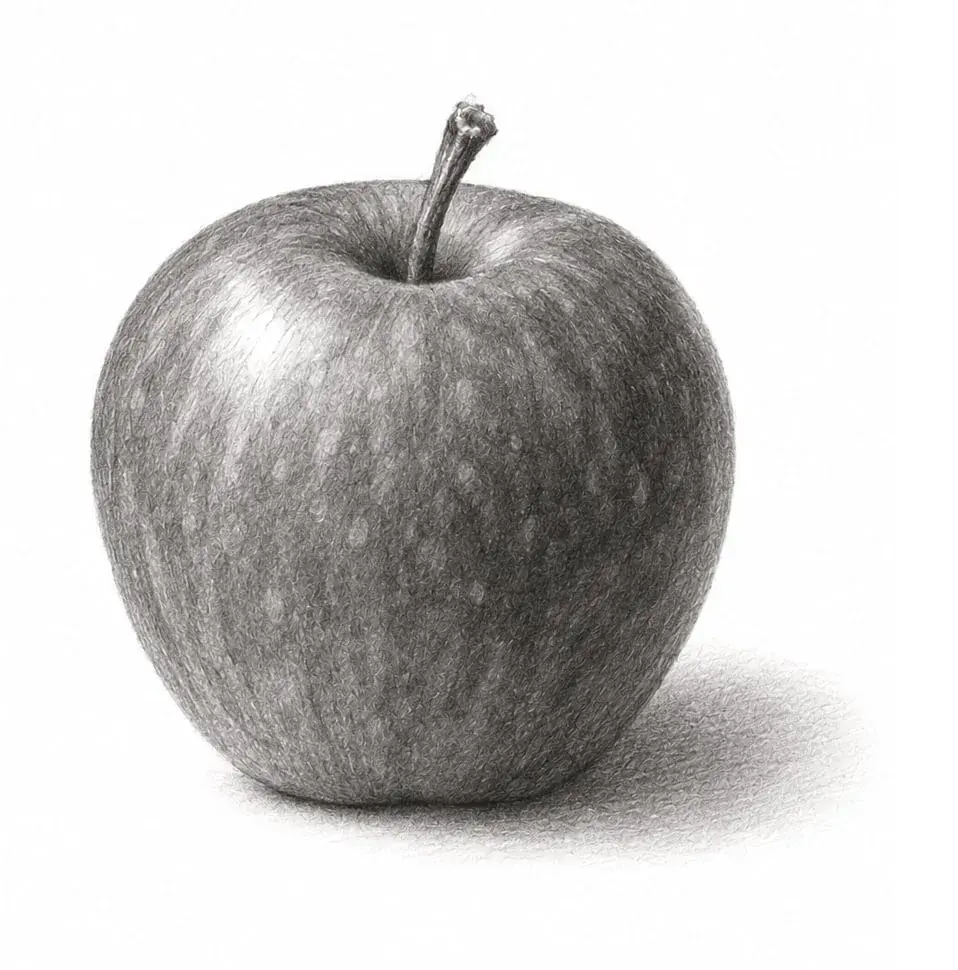
A five-minute starter, short lessons like a mug or an apple, and drills for line control and shading.
Every drawing earns XP and keeps your streak alive, from New Sketcher to Master Draftsperson. Your best streak is never erased.
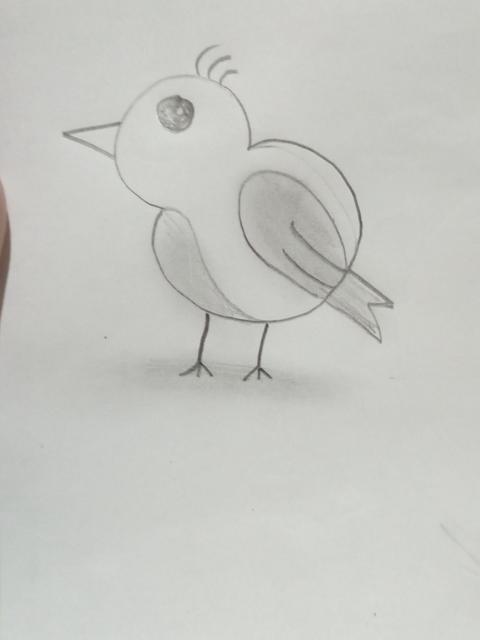
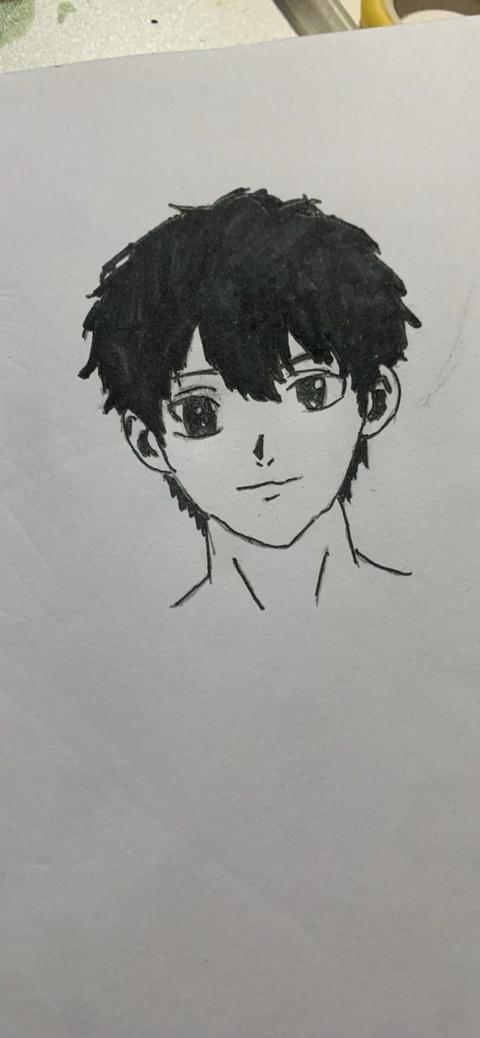
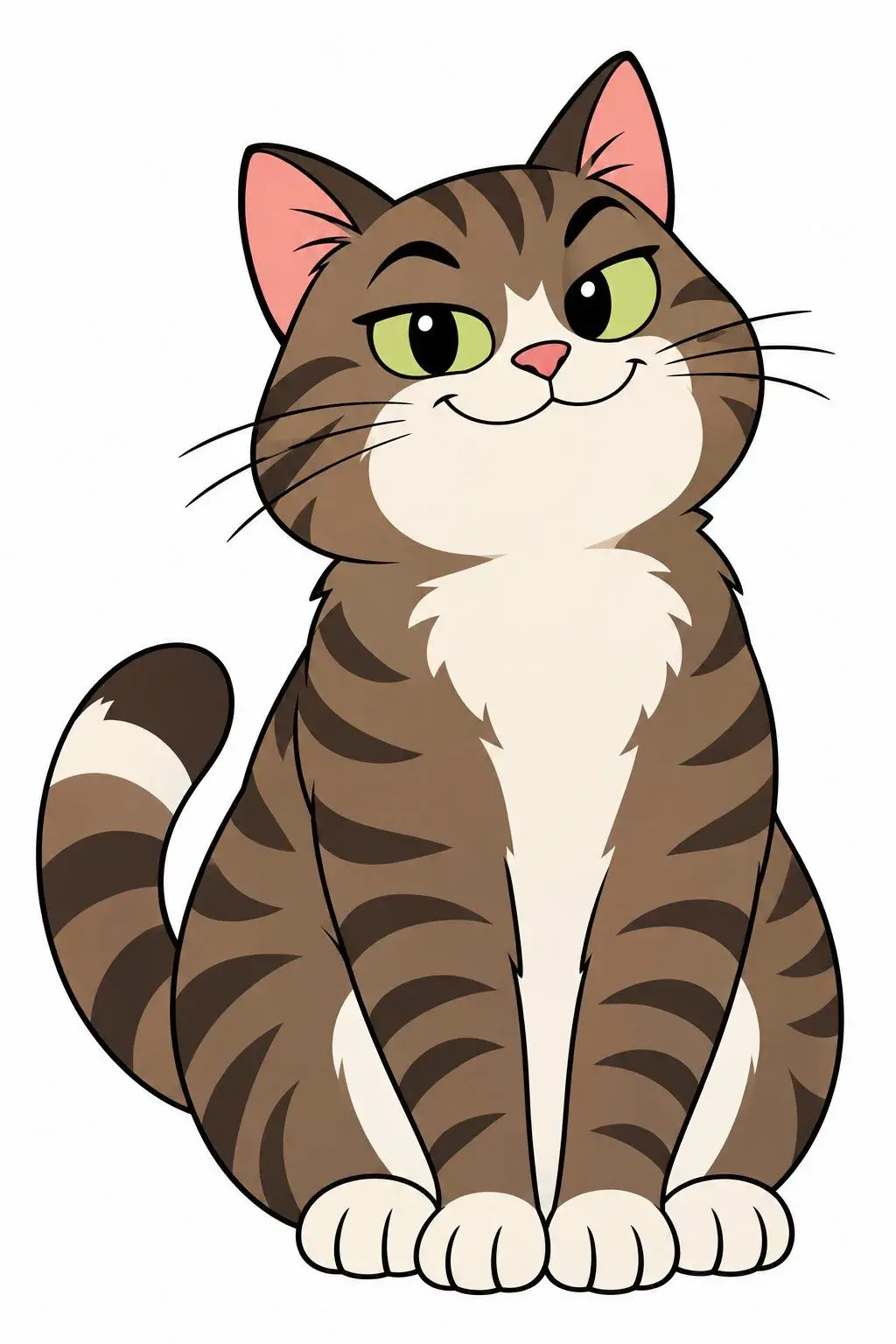
These are real guides from the app. Read them, then draw along on paper.
No. You draw on real paper with any pencil or pen you have. The phone sits beside the page and shows the guide for your current stage, and you photograph the page when you want feedback.
No. Lessons start from simple shapes, and you pick beginner, intermediate or advanced. For an easy first win, try the five-minute starter lesson.
Take or pick a photo of almost anything: a pet, a mug, a face, a landscape. Sketchwise turns it into a lesson with a guide image for every stage. The app also has sample lessons and skill drills if you would rather not use your own photo.
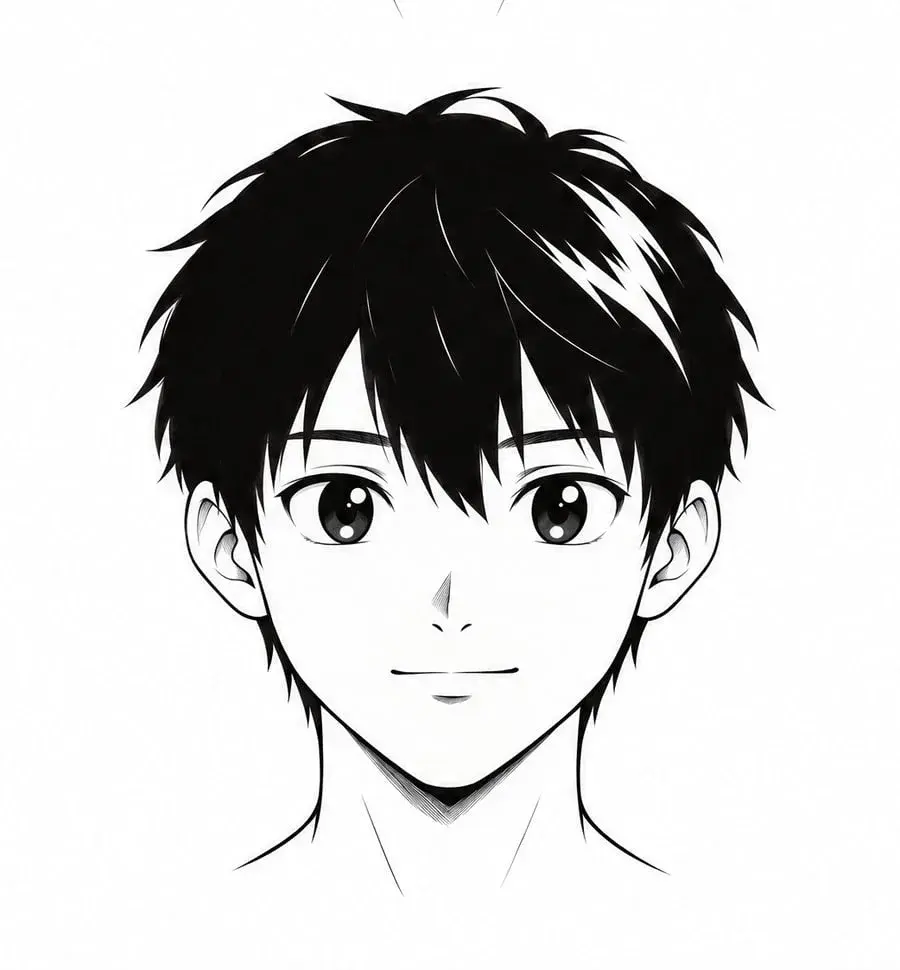
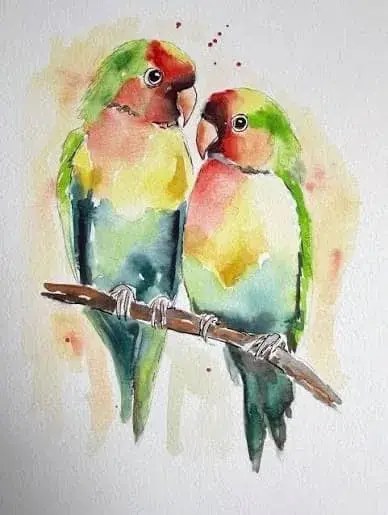
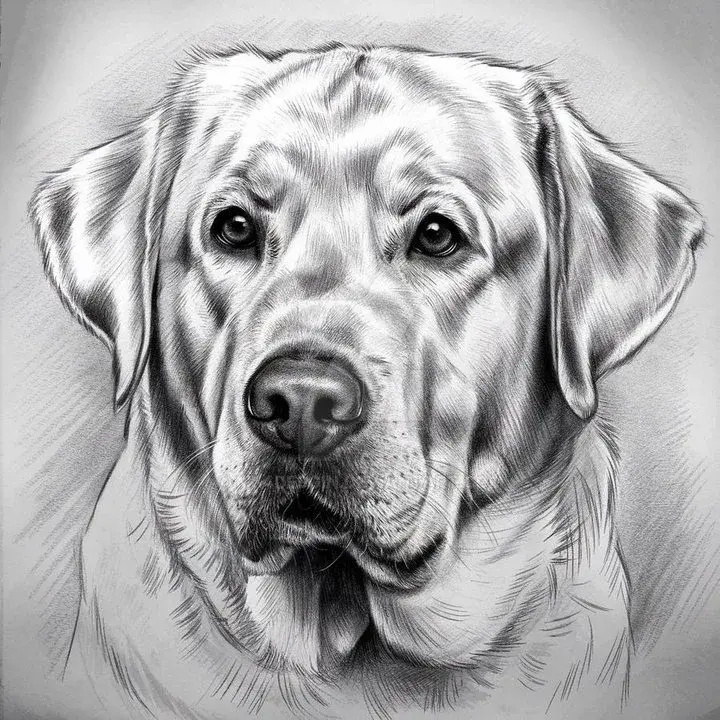
Pencil sketch, manga, watercolor, realistic graphite and cartoon. The same photo gives you a different lesson for each style and level.
At optional checkpoints you photograph your page and the AI tells you what is working and what to fix first. When you finish, you photograph the final drawing for a scored report on proportions, shading and accuracy, with wins, focus areas and a drill to practice next.
Pin a finished drawing to the Community wall and tap Challenge. Friends draw the same lesson, the drawings sit side by side for two weeks and each person gets one vote. Friends can vote on the web, no app needed.
No. Sketchwise has no sign-up. Your lessons and progress are stored on your device.
The photos you pick or take are sent over an encrypted connection to AI providers, only to build your lesson and check your drawing. We do not use them to train AI models.
Sketchwise is available in 31 languages, including the lessons and the AI feedback.
Download Sketchwise and turn anything you see into your next lesson.