The best app to learn to draw on paper, and how to choose yours
Looking for the best app to learn to draw on paper? The four kinds of drawing app, what each one teaches, and a one-evening test to pick yours.
The best app to learn to draw on paper keeps the pencil in your hand and checks what you actually drew. Look for three things: lessons you follow on real paper, a way to photograph your page for feedback, and subjects you care about. Below are the four kinds of drawing app and a one-evening test.
We make Sketchwise, so weigh our view. The test works for any app, ours included.
What kinds of drawing apps are there?
- Video courseFollow lessons from artists along a learning path, on paper. Example: Simply Draw.
- AR tracingThe camera lays a picture over your paper and you draw along its lines. Example: SketchAR.
- Digital canvasYou draw on the screen with a stylus. A tool, not a course. Example: Procreate on iPad.
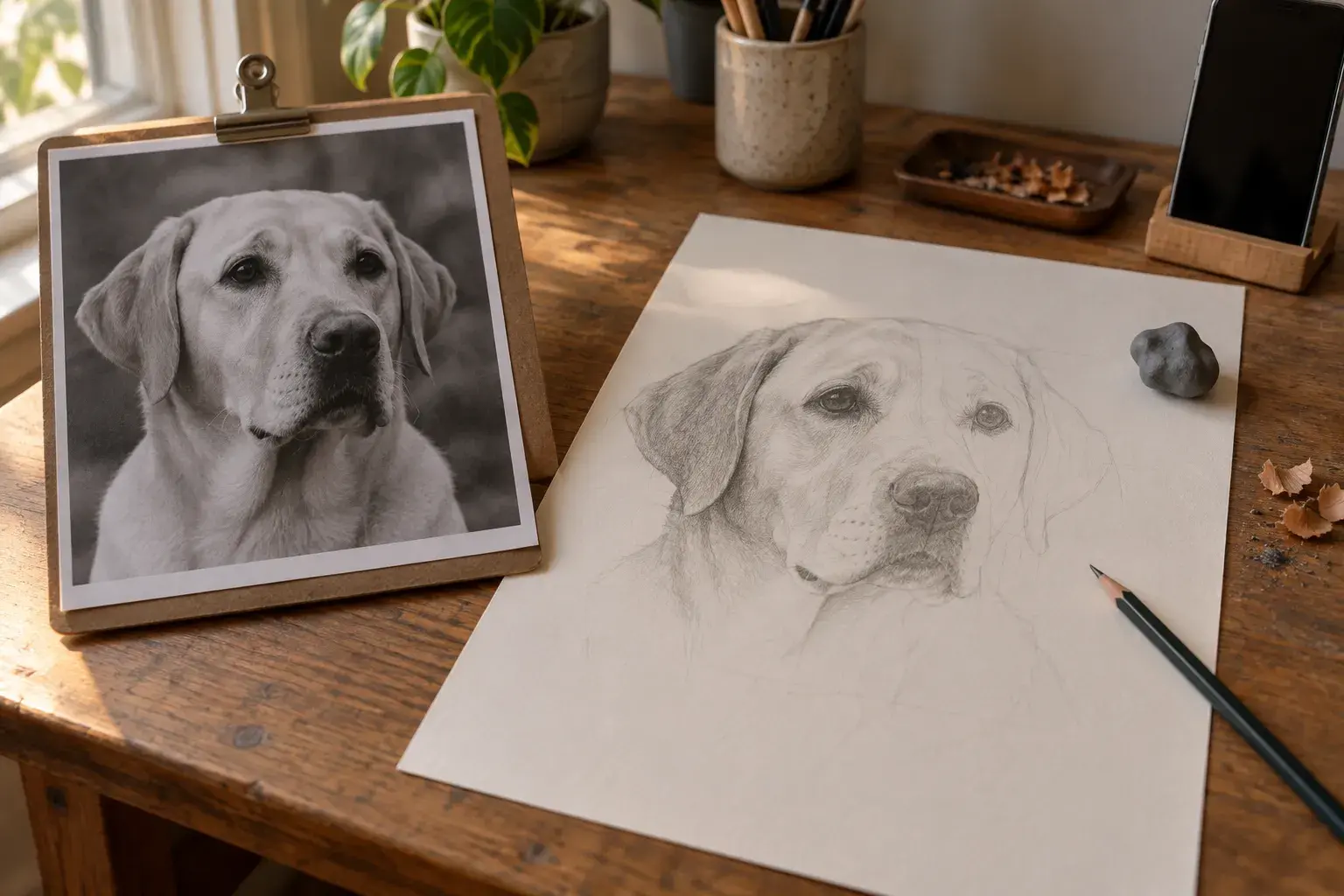
- Photo to lessonYour own photo becomes a staged lesson you draw on paper. Example: Sketchwise.
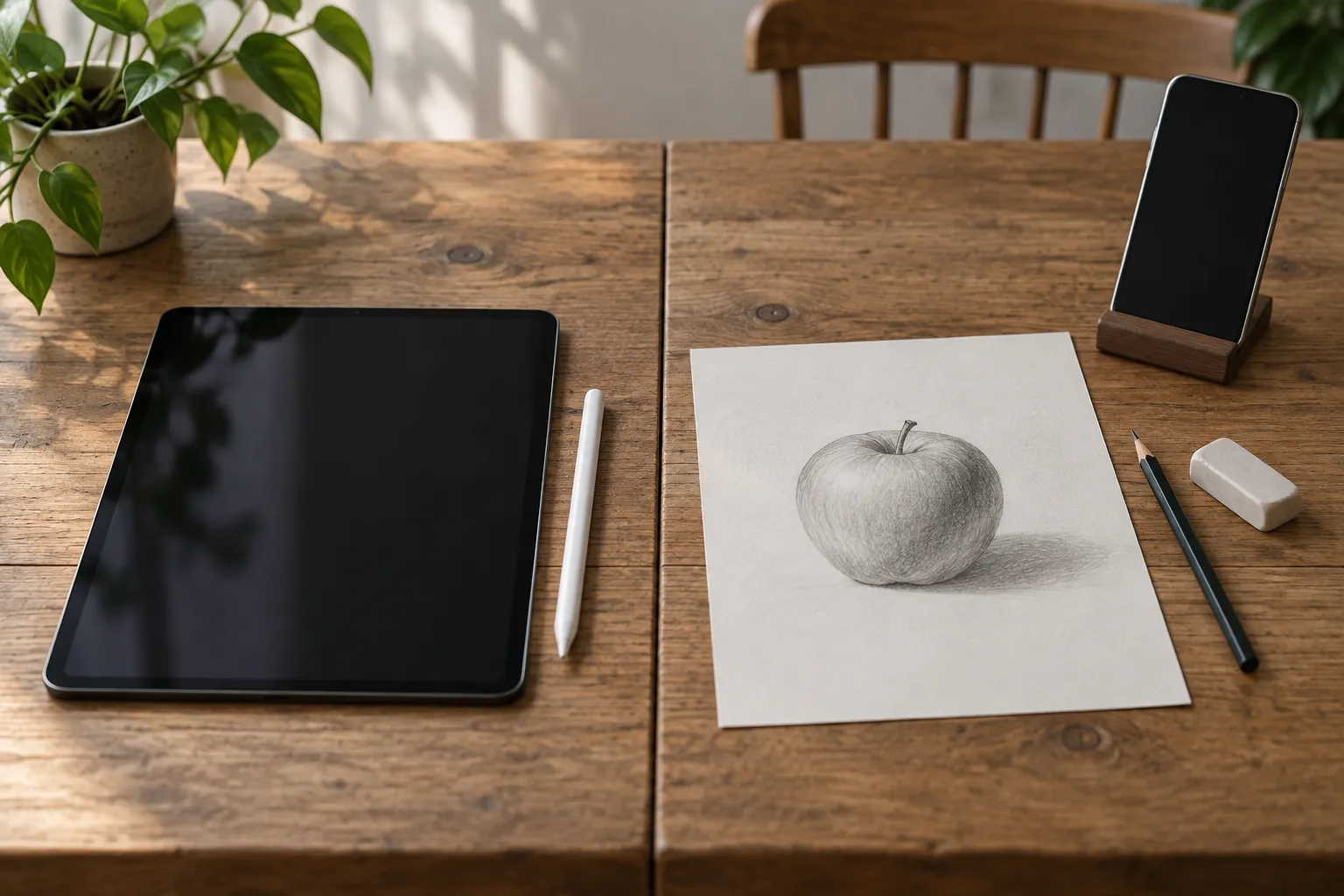
A screen gives you undo, zoom and a smooth line. That is great for digital art, but a pencil on paper has none of it, so paper skills grow on paper.
Why does feedback matter more than tracing?
Because most errors start in the eye, not the hand. Cohen and Bennett found that misperceiving the object was the main source of drawing errors, while hand control was a very minor one. Tracing guides your hand; comparing and feedback train your eye. More on that study in can anyone learn to draw?
- Look
- Draw a stage
- Snap a photo
- Fix one thing
How does Sketchwise teach drawing on paper?
Pick any photo, a style (pencil sketch, manga, watercolor, realistic graphite or cartoon) and a level. Every stage of the lesson has a guide image. You draw it on paper with the phone propped beside the page and photograph your page at optional checkpoints.
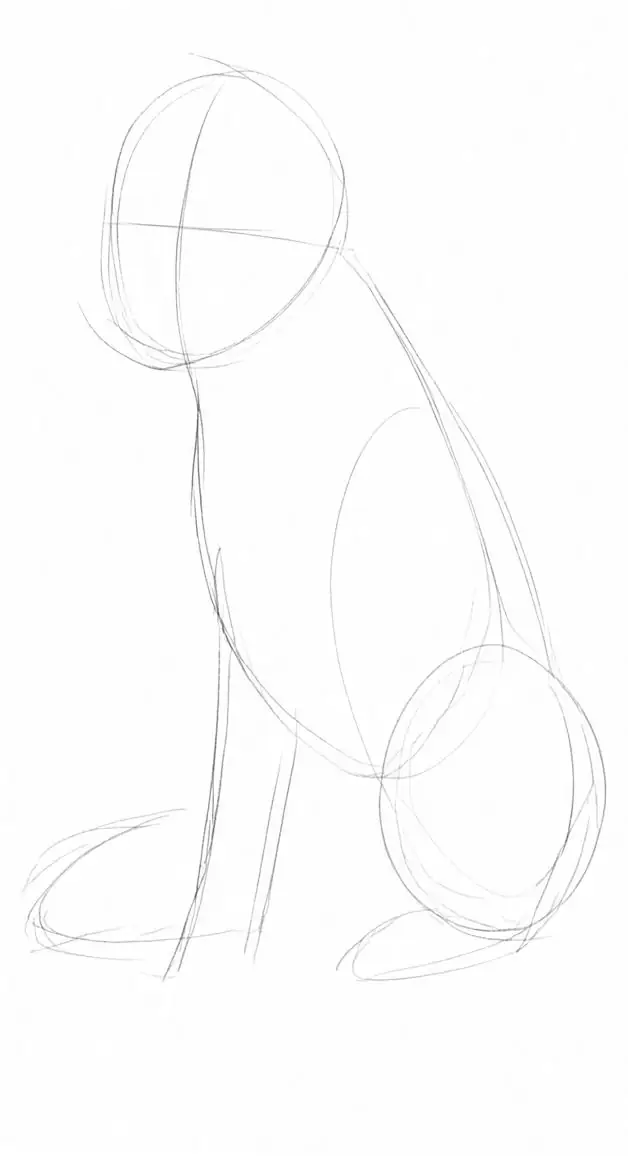
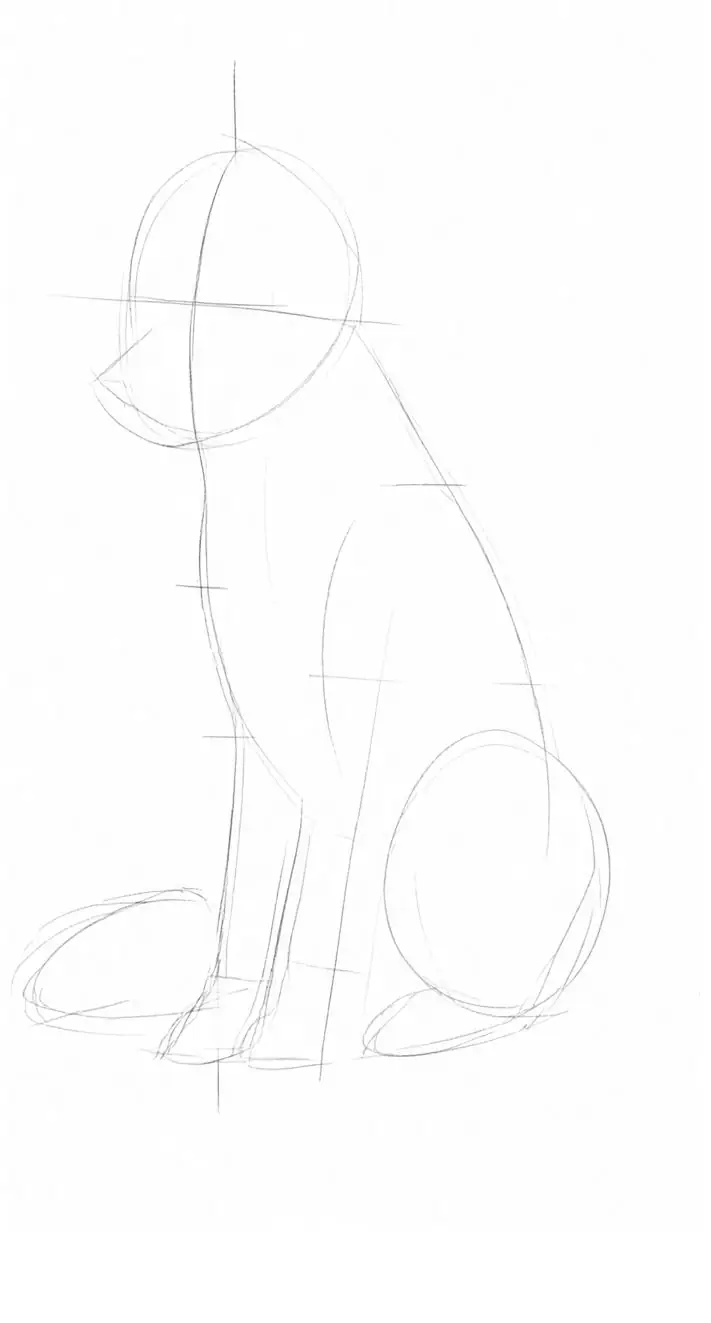
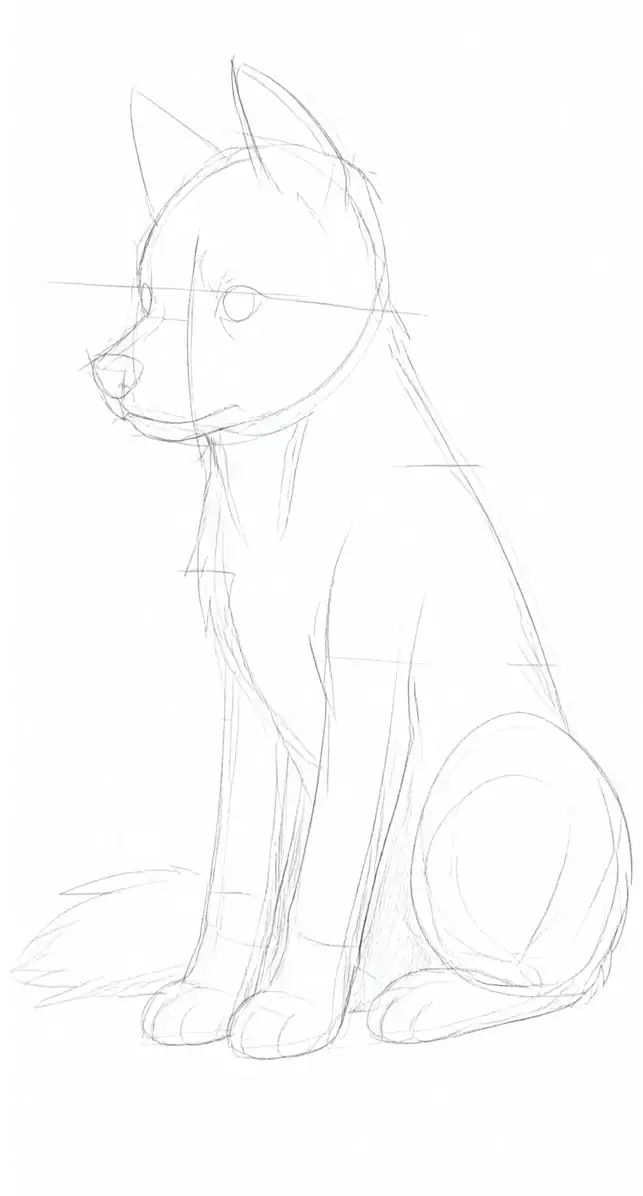
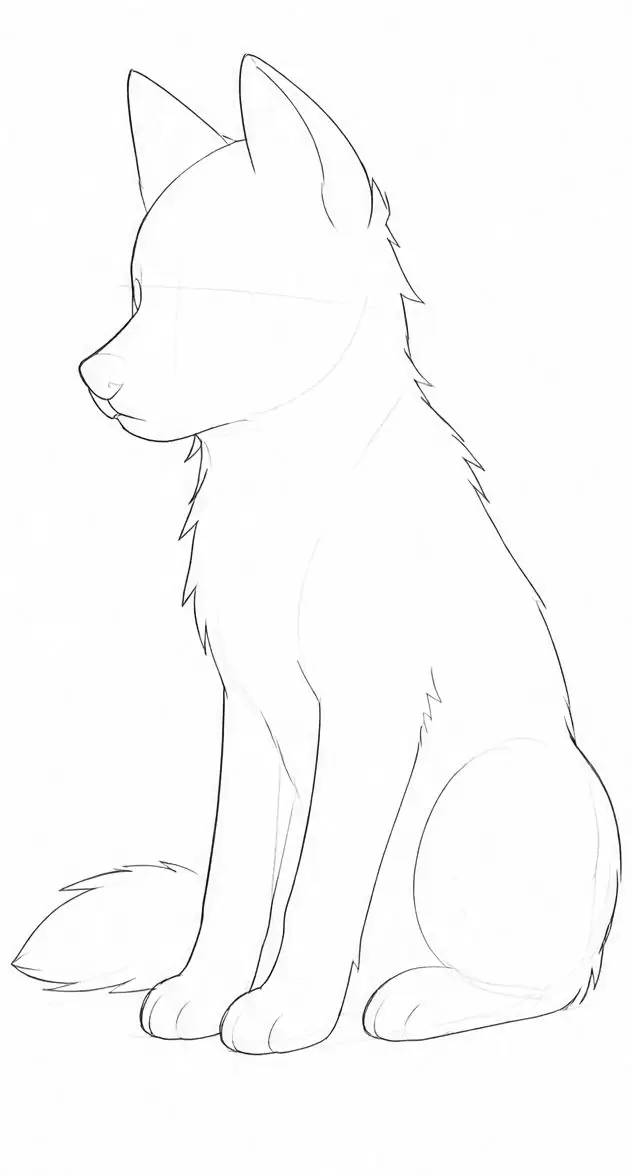
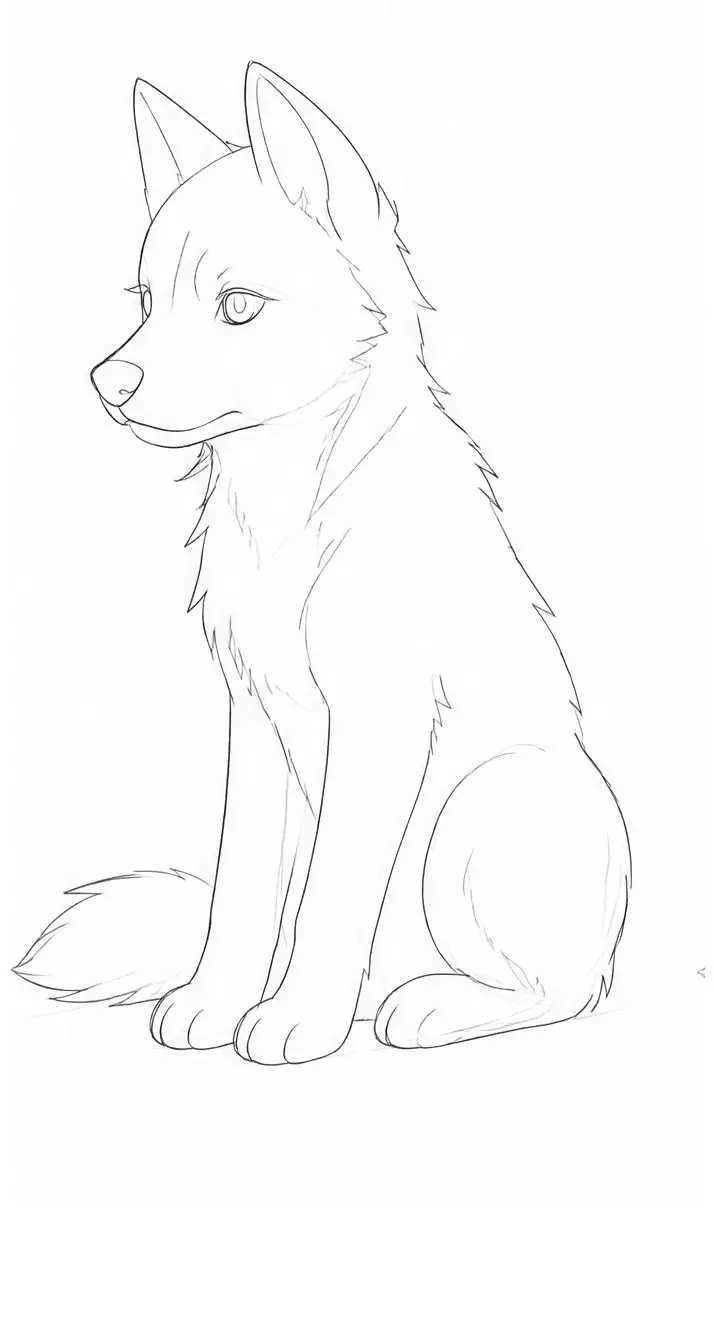
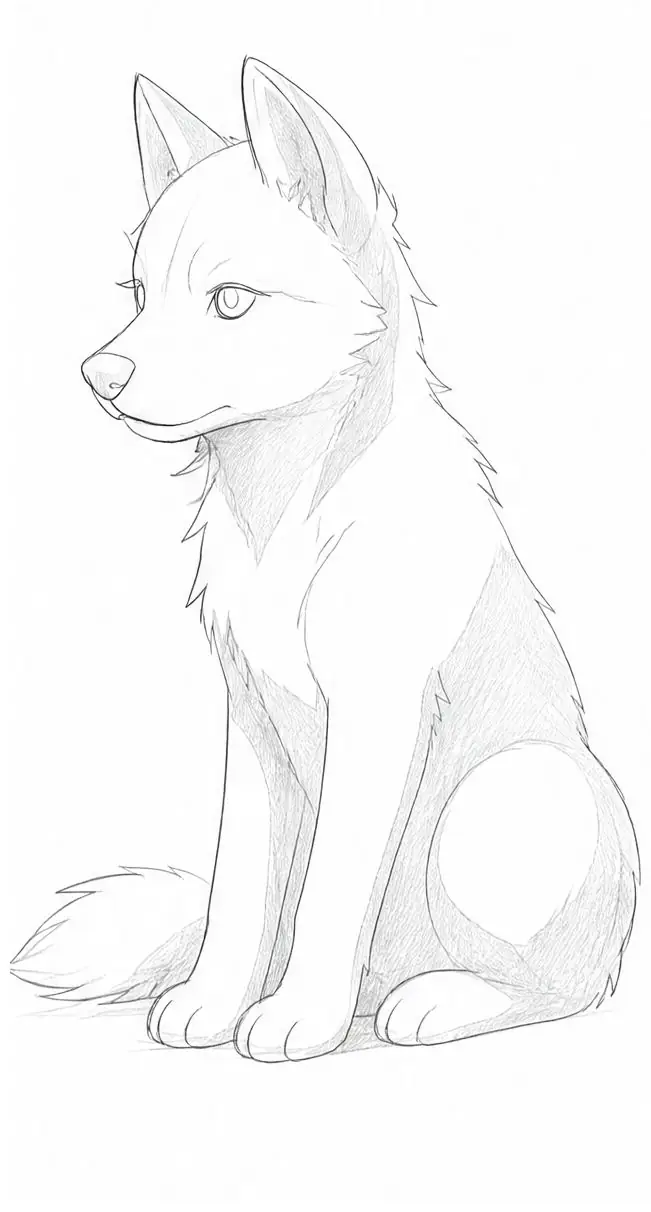
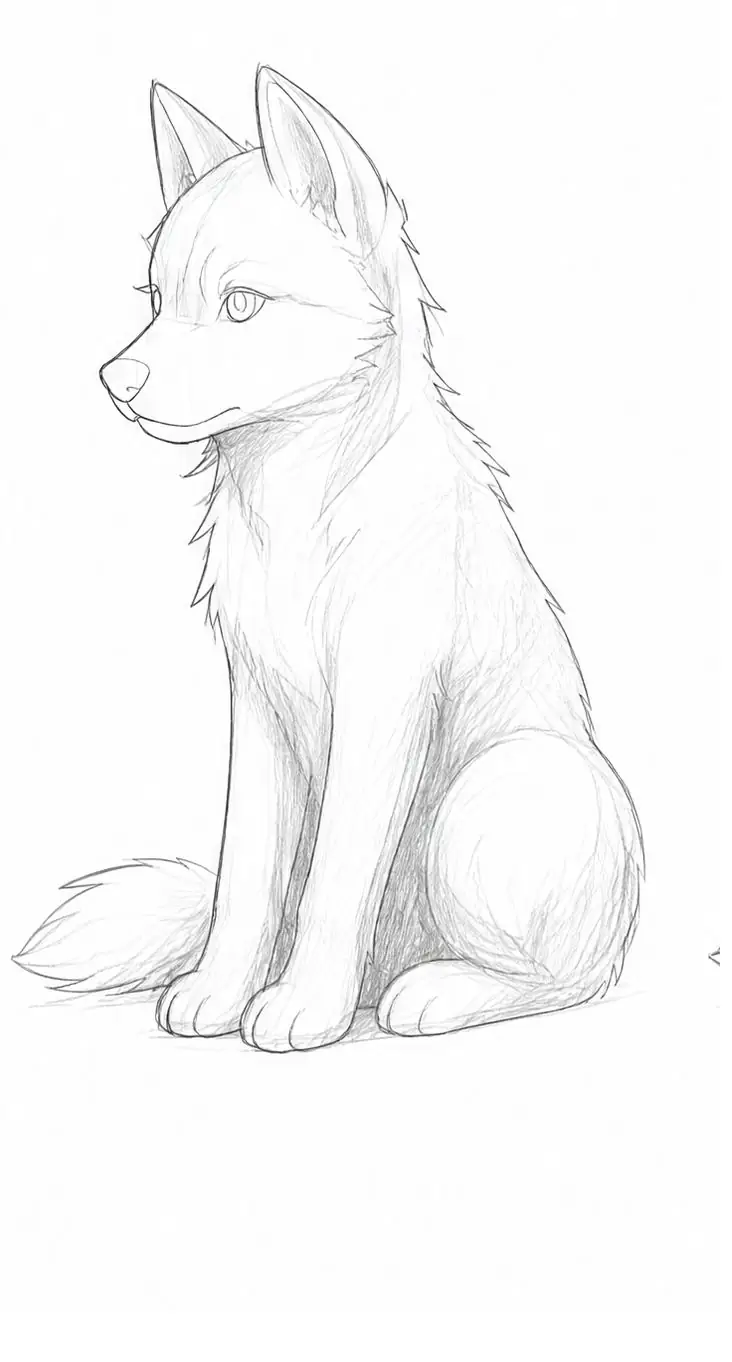
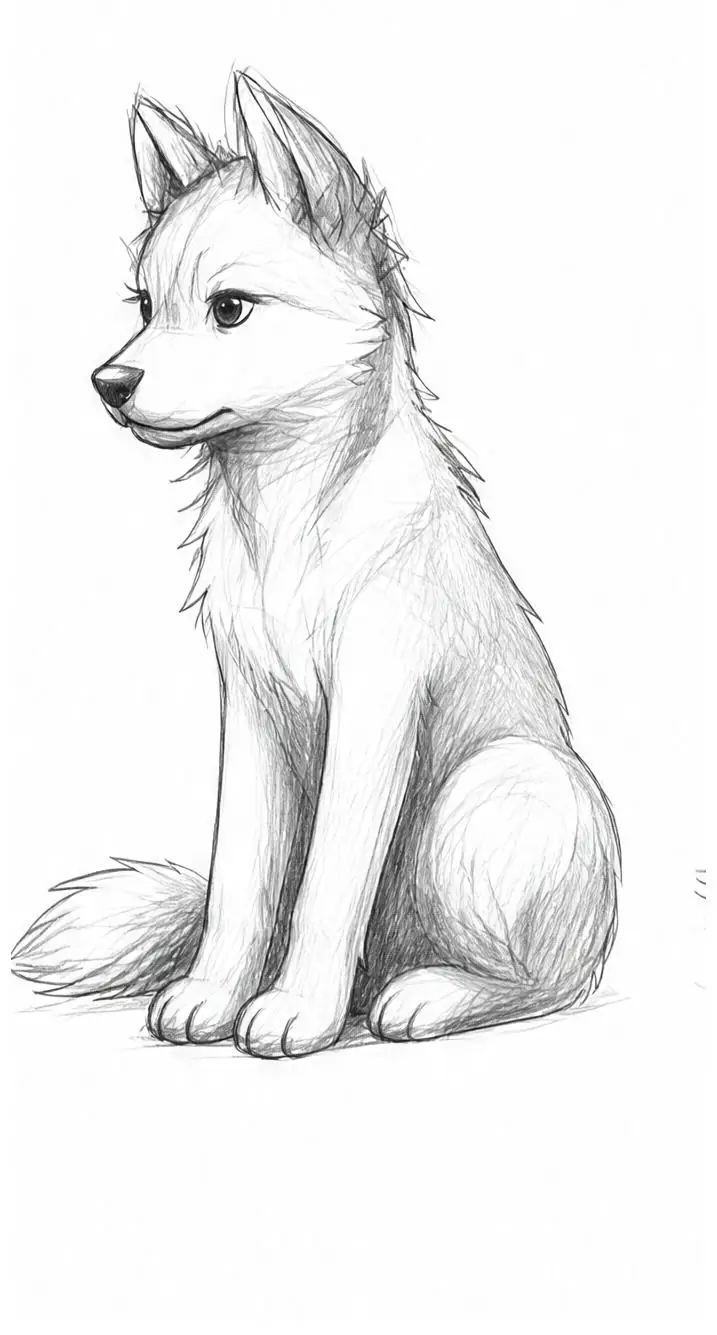
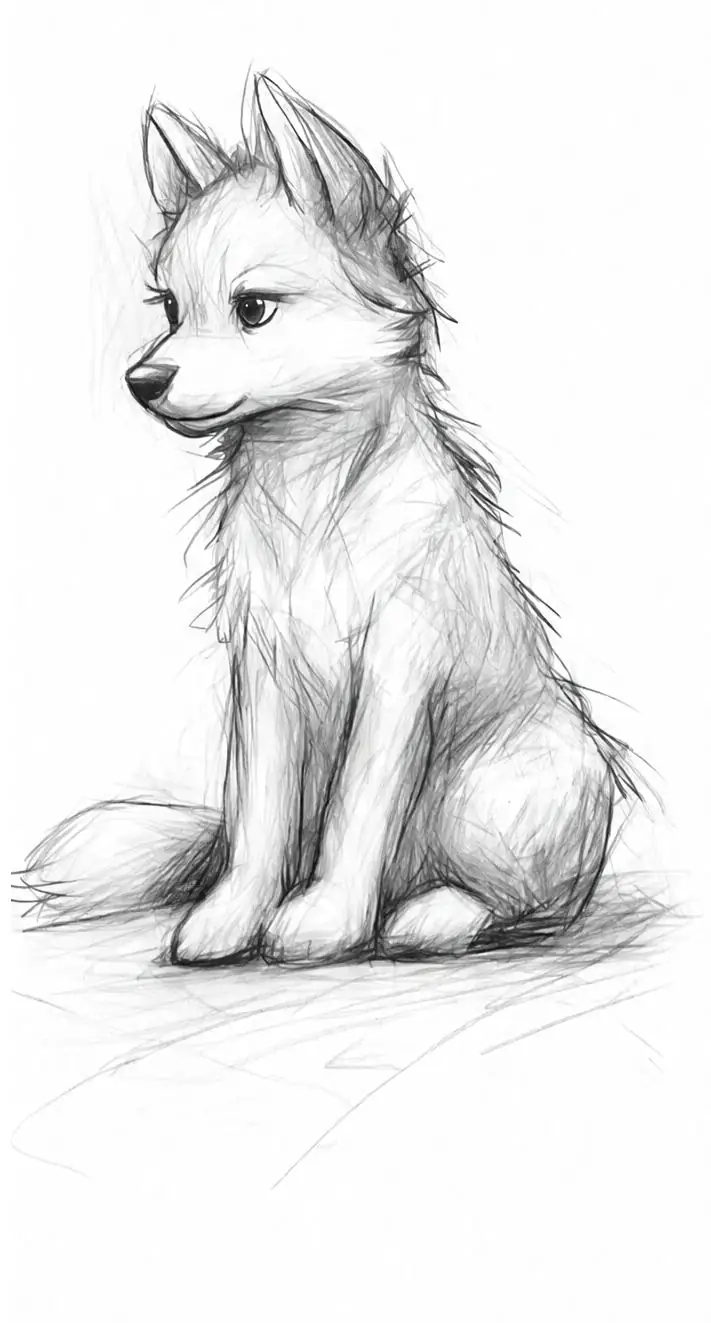
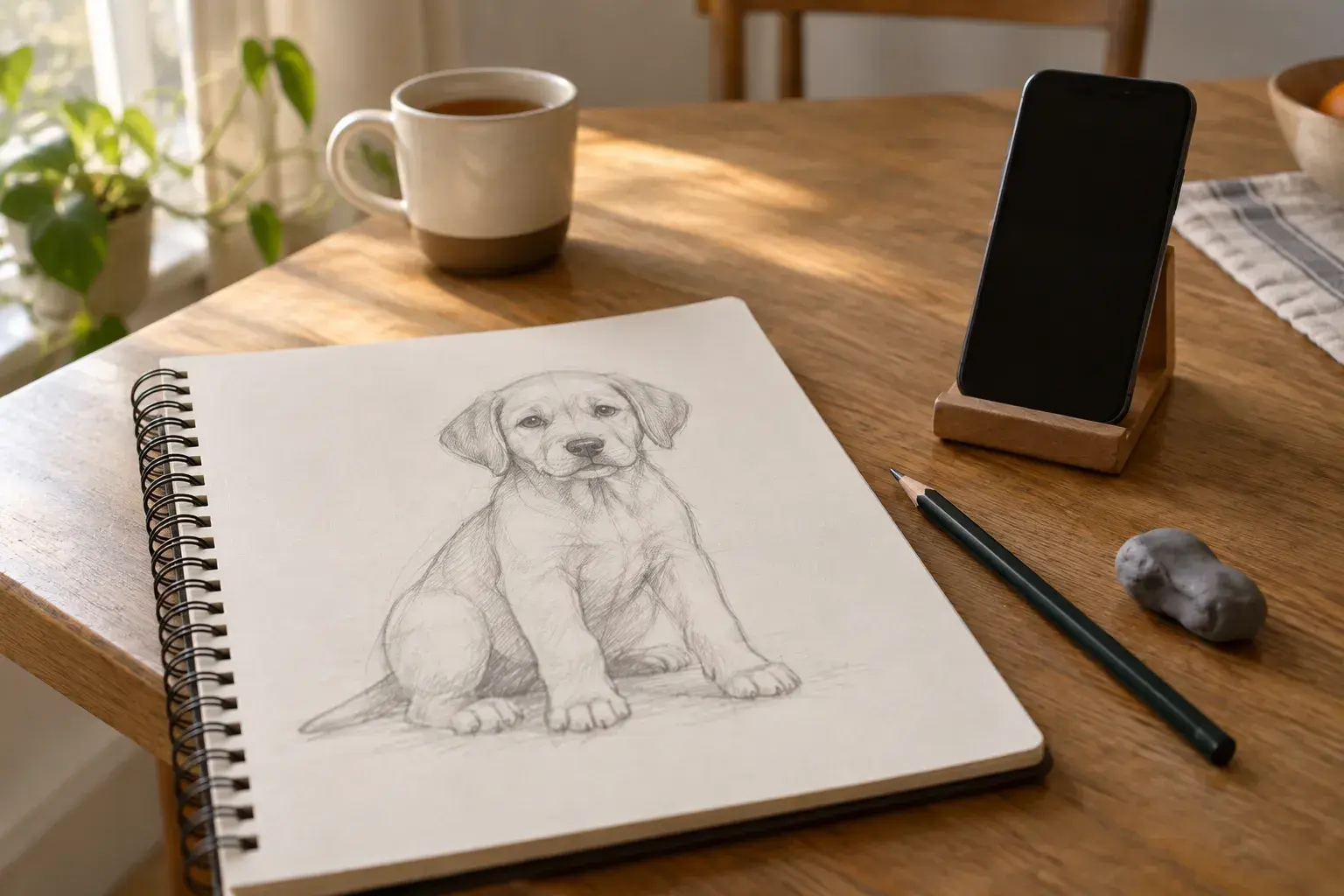
The lesson ends with a scored final report: what worked, what to focus on and a drill to practice next. Trace mode lays the stage over the live camera view when you want a helping hand. Try the puppy lesson or browse all lessons.
How to test a drawing app in one evening
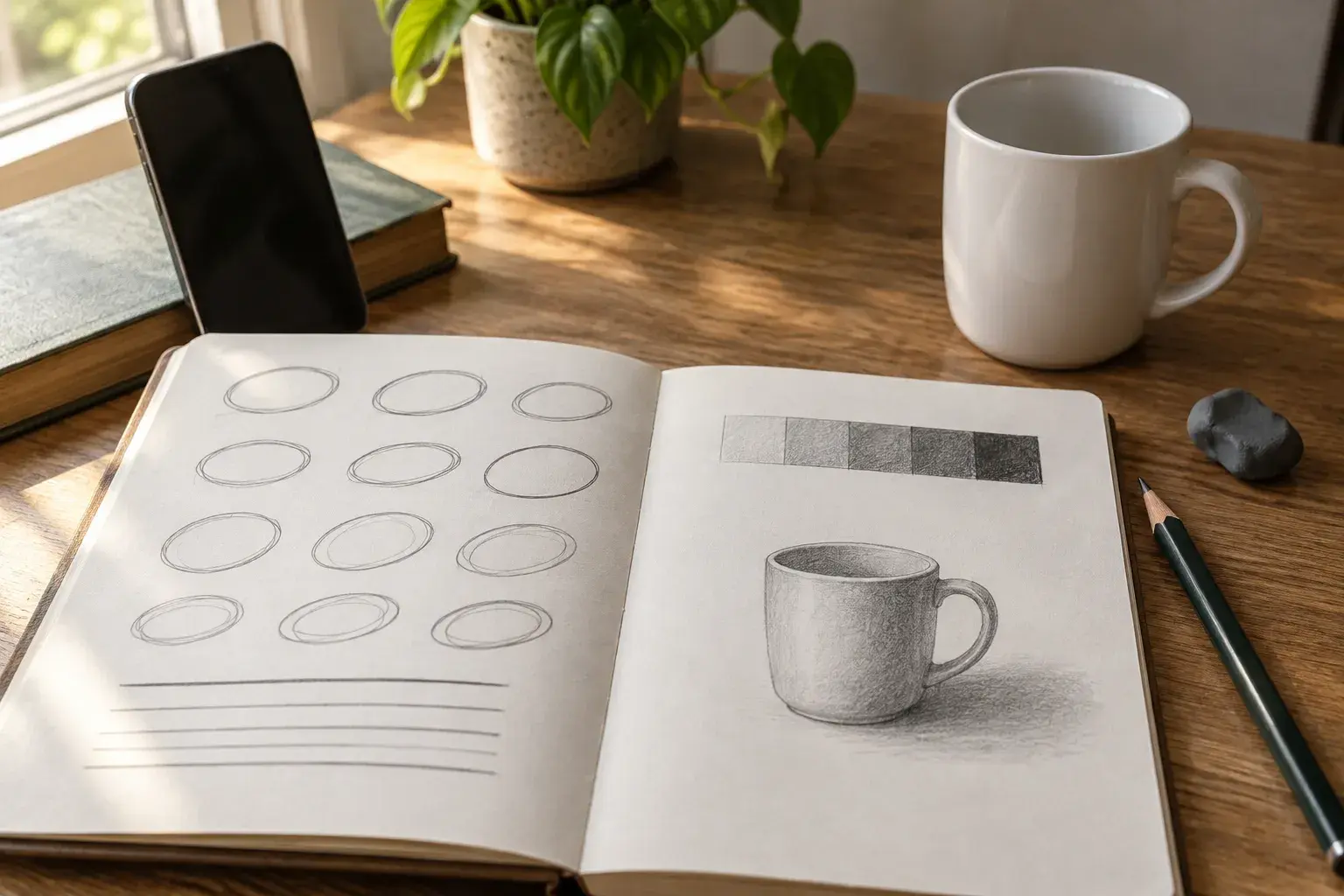
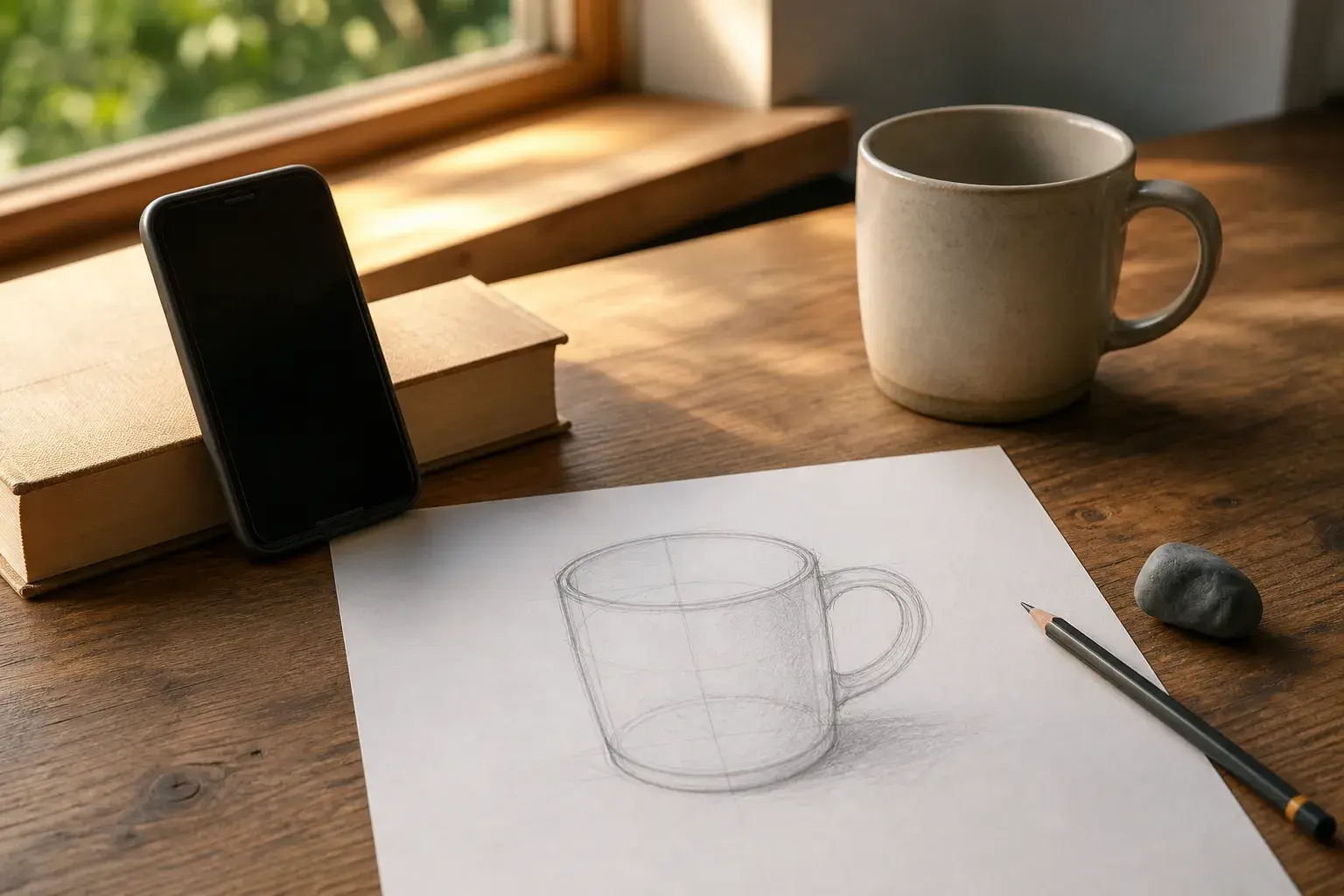
- Pick one real object. A mug or an apple from your kitchen, with a lamp to one side.
- Do one full lesson on paper. Not the intro screens: an actual drawing, start to finish.
- Photograph your page. Does the app name something specific ("the handle sits too low") or only say "great job"?
- Redraw it without the app. On a new page, 10 minutes. If it got easier, the app taught you something.
- Check the time. Could you fit a session into 15 minutes on a busy day?
New to all of this? Start with how to start learning to draw, or practice the drawing from a photo method.
Frequently asked questions
Is there an app to learn to draw on paper?
Yes, several. Course apps such as Simply Draw, tracing apps such as SketchAR, and Sketchwise, which turns your own photo into a staged lesson and checks your page.
Is drawing with an AR tracing app cheating?
No, it is a tool. Use it to learn shapes and placement, then redraw without it, so the skill moves from the app to your hand.
Do I need an iPad or a stylus to learn to draw?
No. For paper-first apps, a phone, an HB pencil, an eraser and any paper are enough.